See what −4.00 D looks like. Then put the lens in front of it.
This street scene is blurred the way a −4.00 D short-sighted eye sees it at a distance. Drag the trial lens over it: inside the lens, the scene is corrected. Pick another lens from the tray to change the prescription.
- Nothing uploadedYour photo is processed in the page
- No accountOpen a simulator and start
- 8 languagesSame tools in every language

Educational approximation of distance blur
Drag the lens, or use the arrow keys
Three simulators, one scene at a time
Each simulator shows the same photo twice — as it is, and through a stated condition — with a split you can drag. Use the sample, your own photo, or your camera.
-

 −0.50 to −8.00 D
Myopia simulator
Why the board, the bus number or a face goes soft as the prescription grows.
Also: astigmatism, cataractOpen the simulator -
 Protan · Deutan · Tritan
Colour vision simulator
Check whether red, green or blue information survives a colour-vision difference.
Severity 0–100%Open the simulator -
 Cataract · Glaucoma
Cataract & glaucoma simulator
Lower contrast, yellowing and glare, or edges closing in — explained without a diagnosis.
Also: myopiaOpen the simulator
From a photo to an explanation in four moves
No account and no install. The camera is asked for only when you press the camera button.
Choose
Open the simulator that matches the question and pick a photo — or keep the sample.
Set
Choose the condition and drag its strength: a prescription in dioptres, or a severity.
Compare
Drag the split across the same scene: original on one side, simulated on the other.
Keep
Download a 1200 × 675 comparison card with the condition written on it.
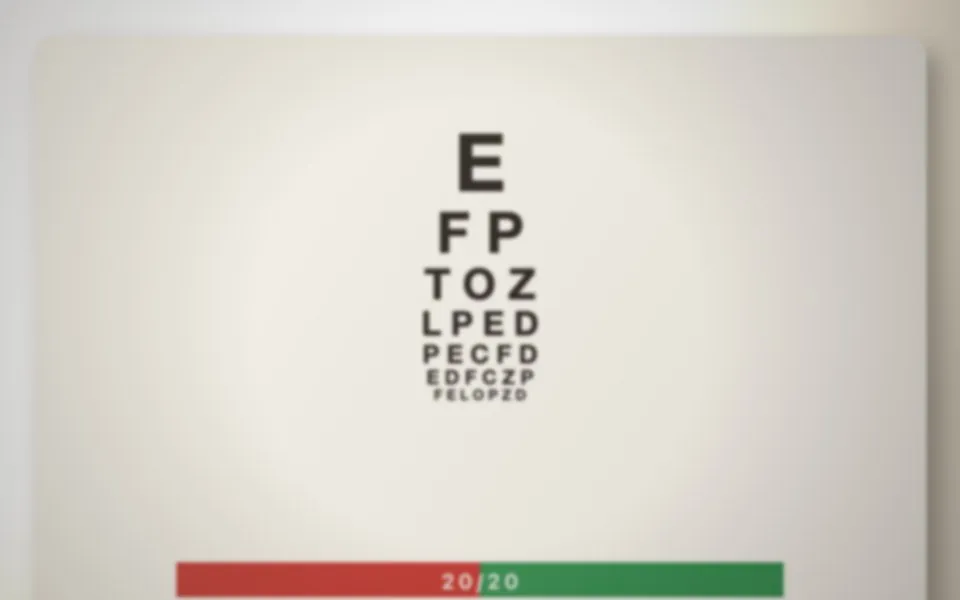
One chart, six ways of seeing
The same eye chart rendered through each condition. Select one to see it large.
Where people use it
Classrooms and families
“Can't see the board” and “isn't paying attention” look the same from the outside. Show the difference at the child's own prescription.
MyopiaOpticians and eye-care educators
Explain why glare, haze or a shrinking field matters before the next appointment — without a diagnosis on screen.
Cataract & glaucomaDesigners and accessibility reviews
Drop in a screenshot and check whether any state — success, error, required — is carried by hue alone.
Colour vision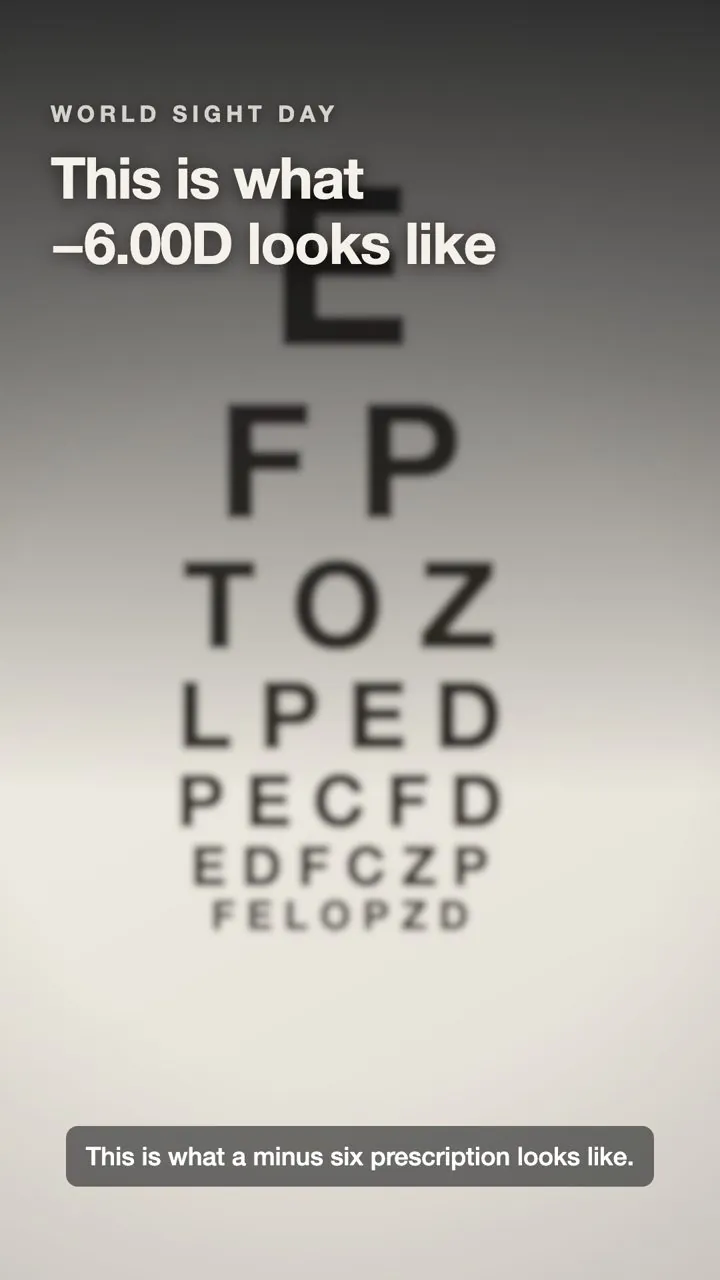
Campaigns and World Sight Day
A −6.00 D chart, a 33-second film and a downloadable card, ready to share.
World Sight Day
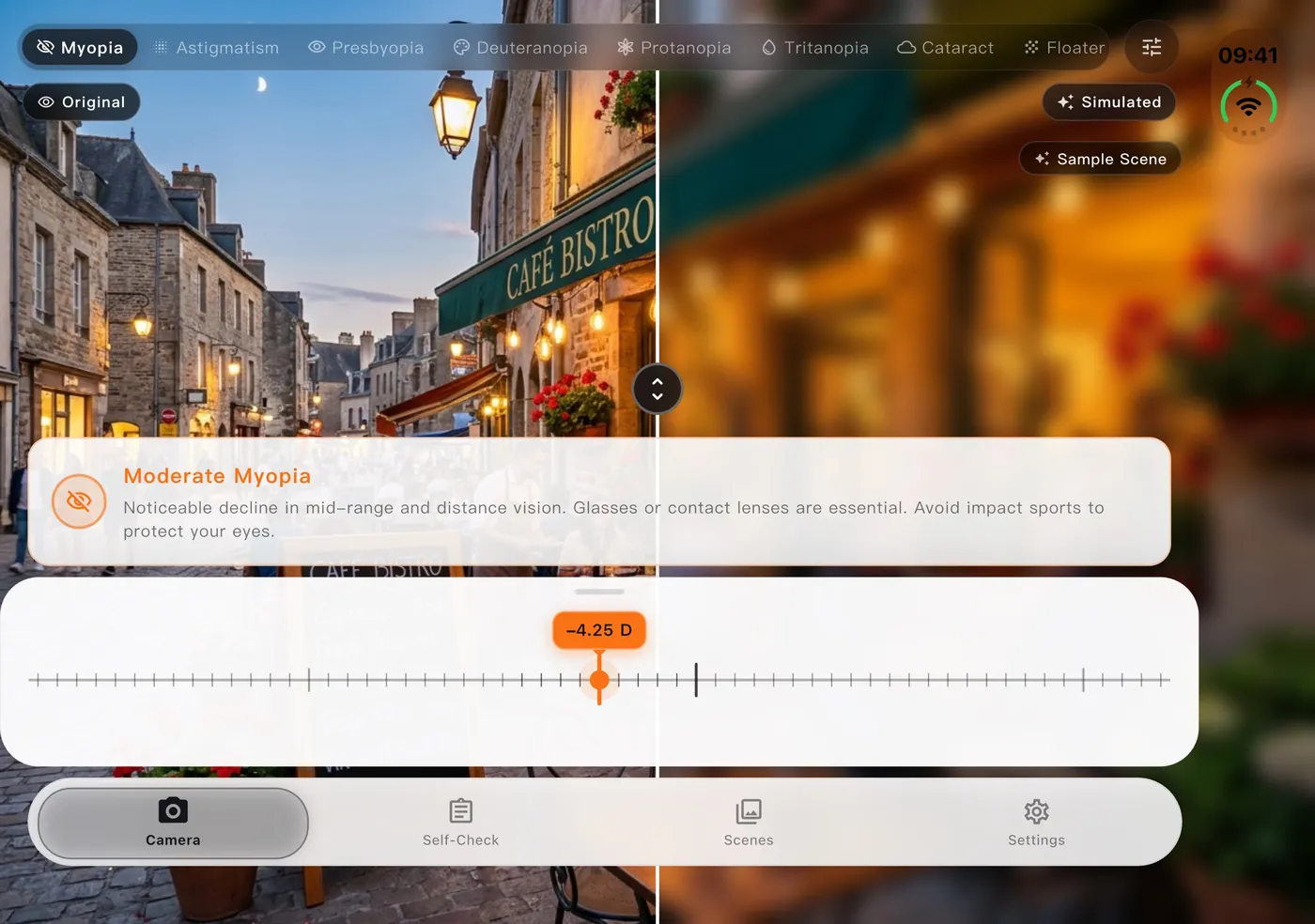
The SightFrame app goes further, in your pocket
Live camera simulation, depth-aware scenes and private family records — processed on the device.
Live camera
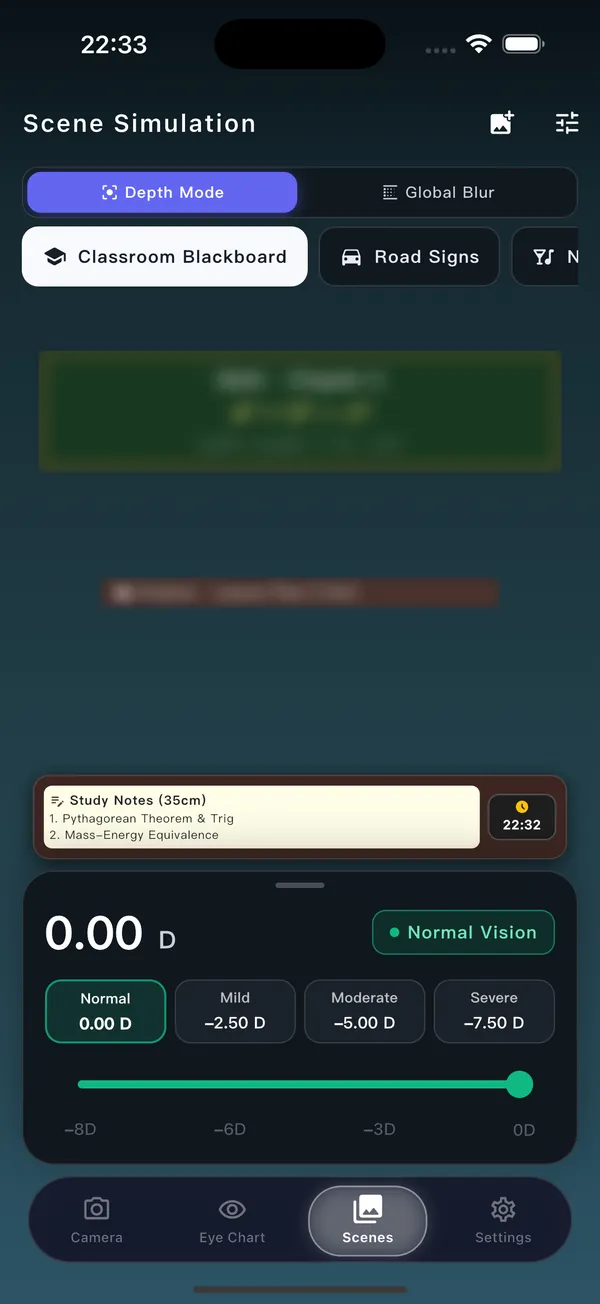
Point your camera and see myopia, astigmatism, presbyopia or a colour-vision difference in real time, with a split view.
Depth-aware scenes
Shift focus across near, middle and far objects in classroom, road and night scenes.
Photos and templates
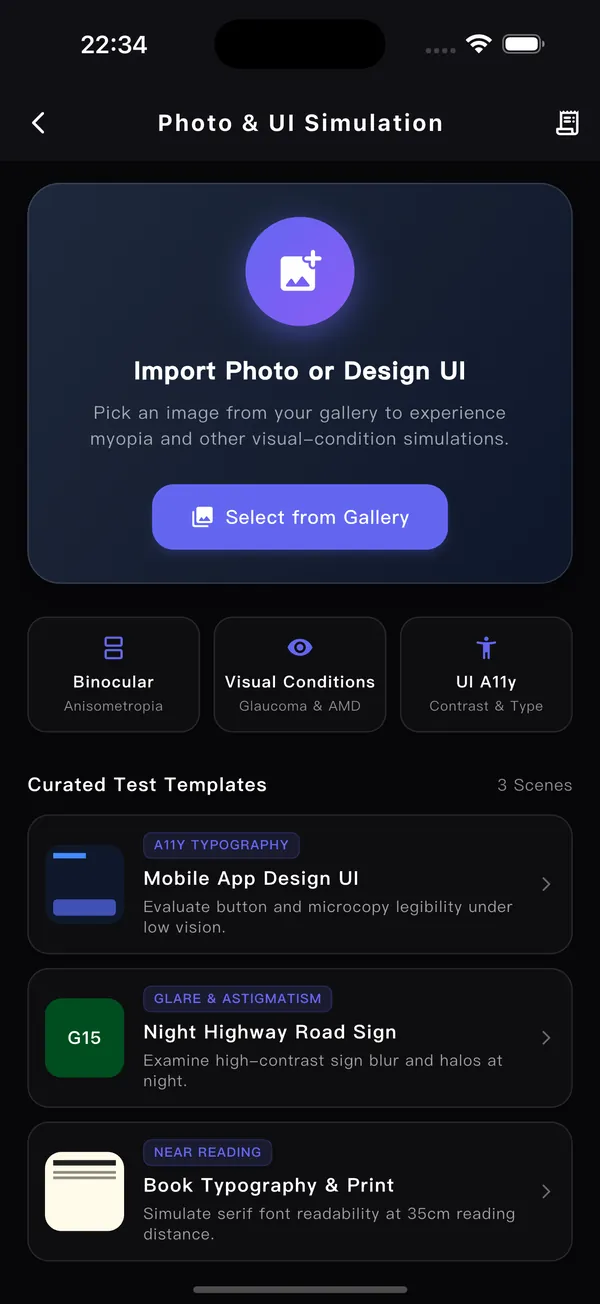
Import a photo, or start from templates such as a road sign at night or a page of print.
Eye-health reference tools
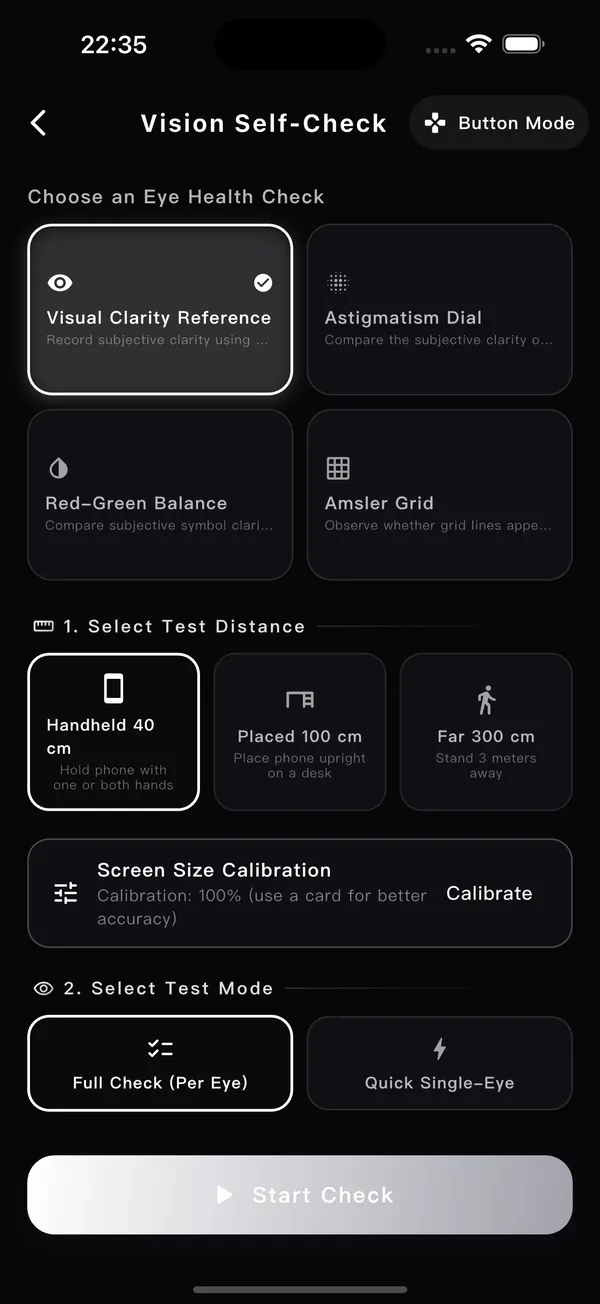
Directional E chart, astigmatism dial, red–green comparison and Amsler grid — for reference, not diagnosis.
Visual breaks
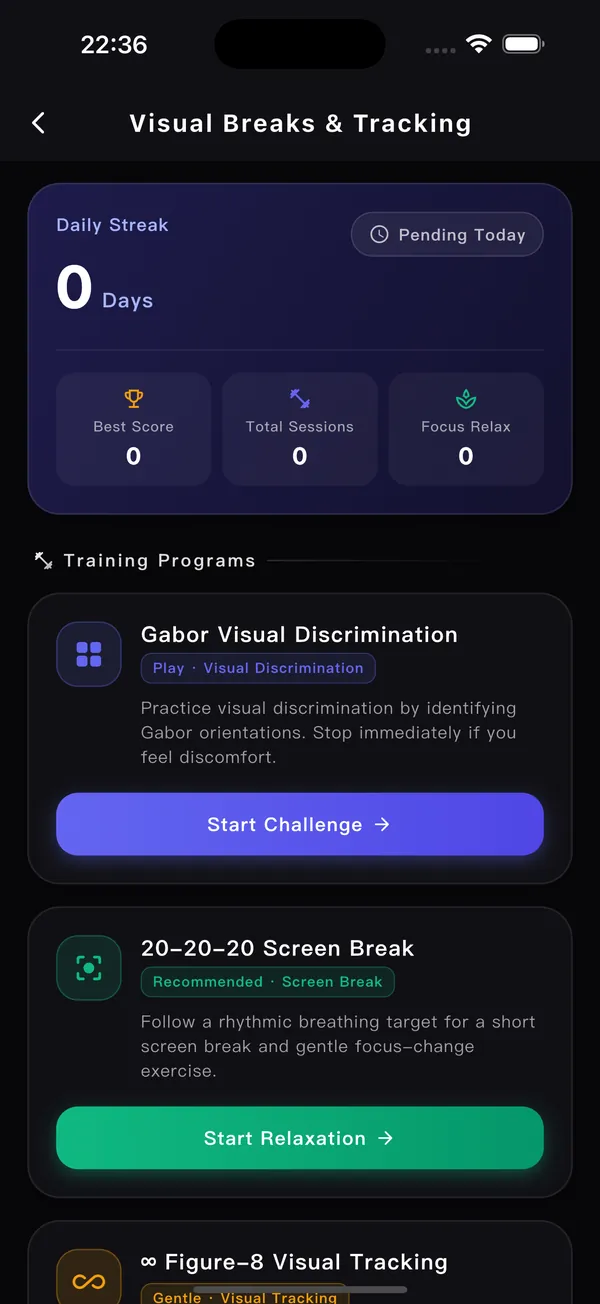
20-20-20 reminders, visual tracking and contrast-sensitivity exercises.
Family records
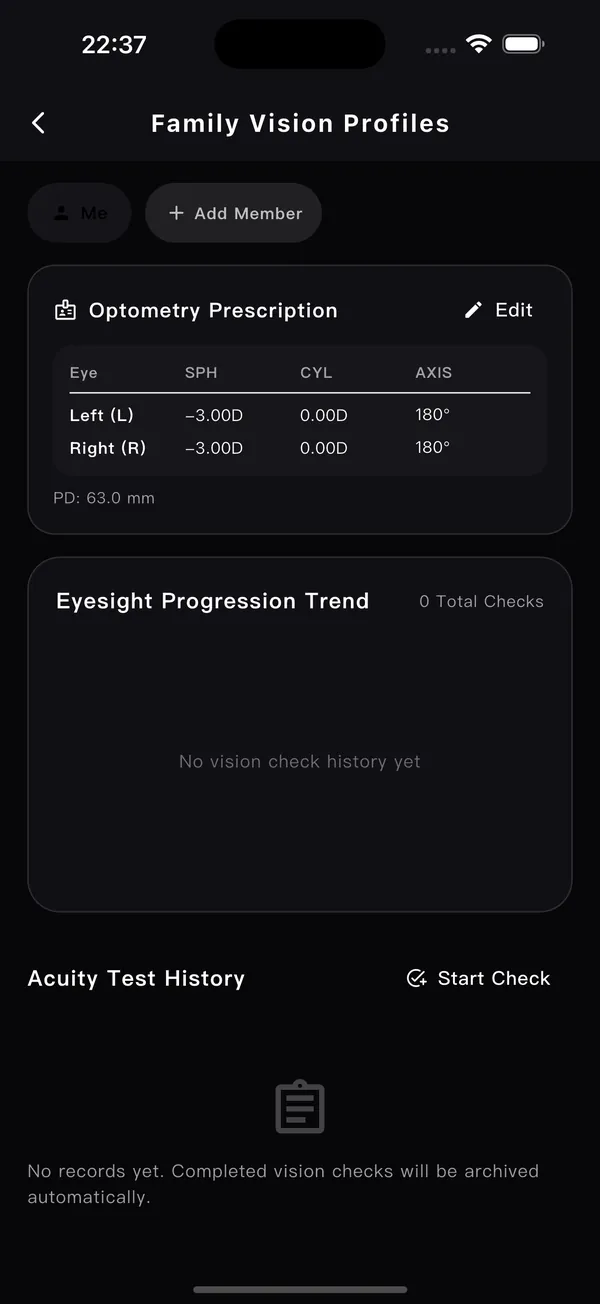
Keep vision changes and prescription details for each family member, stored only on the device.
Camera frames stay on the device. No ads, no cross-app tracking.
What a simulation can and cannot tell you
It can
- show how detail, contrast or colour change in the same scene as a stated condition changes
- make a conversation about eyesight concrete for someone who does not have the condition
- check whether a design still works without relying on hue
It cannot
- measure eyesight, produce a prescription or screen for a condition
- reproduce one person's exact perception on an uncalibrated screen
- replace an examination by an optometrist or ophthalmologist
Photos you choose are processed in this page and never uploaded. A file is downloaded only when you ask for it. Colour transforms follow Machado, Oliveira & Fernandes (2009).
Questions people ask
How accurate are these simulations?
They are educational approximations built from optical and colour-vision models. They make a difference easier to discuss, but they cannot reproduce every person's perception or a calibrated viewing environment.
Can this test my eyesight?
No. Nothing here measures acuity, produces a prescription or screens for a condition. If you notice your vision changing, book an eye examination.
Is my photo uploaded?
No. The photo you choose is processed in this page's memory and never sent to a server. A comparison card is downloaded only when you press the download button.
What if I refuse camera permission?
Everything still works with a photo or the built-in sample. To use the camera later, allow it in your browser's site settings and reload.
How is the app different from the website?
The website runs focused simulators on photos. The SightFrame app adds live camera simulation, depth-aware scenes, eye-health reference tools, visual breaks and private family records.
Why does the result look different on another screen?
Brightness, colour profile, contrast and room light all change what you see. Treat the result as an explanation aid, not a calibrated measurement.
Take the lens with you
SightFrame is free to download on iPhone and iPad. Availability depends on your App Store region.